
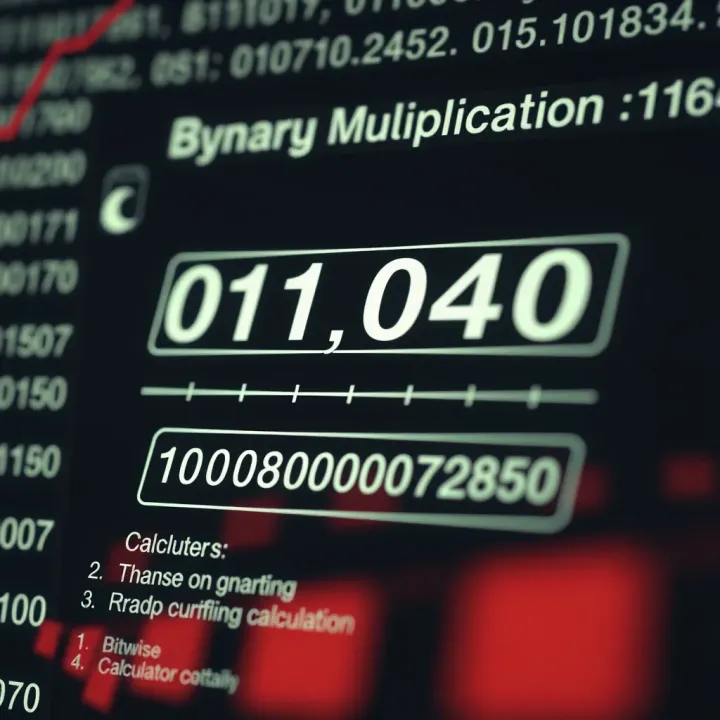
How to Use a Binary Multiplication Calculator
🔢 Learn how to multiply binary numbers efficiently using a binary multiplication calculator. Perfect for students and pros in computer science and digital electronics! ⚡💻
Edited By
James Mitchell
Binary system ek aisa number system hai jo do hi digits - 0 aur 1 - ka istemal karta hai. Isliye ise base-2 system bhi kehte hain. Ye system computing aur digital electronics ka foundation hai, kyunki computers aur digital devices apni processing mein isi format ka use karte hain.
For example, jab aap apne mobile mein kisi app ko chalate hain ya computer pe file save karte hain, toh sab kuch binary numbers mein convert hokar hi process hota hai. Binary digits, ya bits, se computer samajhta hai ki kaunse operations perform karne hain.

Binary system ke 2 hi digits hote hain, is wajah se ye simple aur foolproof hota hai, especially hardware ke liye.
Hum aam taur pe decimal system ka use karte hain, jo base-10 hai, aur digits 0 se 9 tak hote hain. Binary mein digits sirf 0 aur 1 hote hain. Is wajah se binary numbers ka representation alag hota hai.
Jaise, decimal mein 5 ko binary mein 101 likha jata hai. Yeh difference computers ke liye efficient processing ka zariya banta hai kyunki voltage signals ko 'on' (1) aur 'off' (0) states ke roop mein dikhaya jata hai.
Binary digits bits ke roop mein hoti hain, aur 8 bits milkar 1 byte banata hai. Har bit ka apna ek weight hota hai, power of 2 ke roop mein. Binary number ka value nikalne ke liye har digit ko uske weight se multiply karke add karna padta hai.
Udaharan ke liye, binary number 1101 ko decimal mein badalne ke liye:
1 × 2³ + 1 × 2² + 0 × 2¹ + 1 × 2⁰ = 8 + 4 + 0 + 1 = 13
Is prakriya mein aapko ye samajhna hota hai ki binary system mein har digit kitne ka contribution deta hai.
Computers ke circuits do halat ko achhi tarah se samajh paate hain: current flow hona ya na hona. Isliye, binary system unki internal working ke liye perfect hai. Iske bina aapka smartphone ya laptop seamless kaam nahi kar pata.
Binary system aapko numbers ko digitally represent karne mein madad karta hai, jisse calculations aur data storage fast aur accurate hote hain.
Data Storage: Sabhi digital files binary form mein store hote hain.
Communication: Network devices bhi data binary format mein transfer karte hain.
Programming: High-level programming languages ultimately machine instructions mein binary mein convert hote hain.
Yeh sab baatein binary system ko computing ki duniya mein indispensable banaati hain.
The binary system forms the foundation of all modern digital technology, including computers and communication devices. At its core, it uses just two digits: 0 and 1. This simplicity makes it ideal for machines, where two distinct states, such as off and on, can easily be represented. Understanding this system is essential for grasping how digital data is processed and stored.
The binary number system, also called base-2, is a way to represent numbers using only two digits – 0 and 1. Unlike the decimal system which has ten digits (0 to 9), binary handles calculations and representation using powers of 2. For example, the binary number 1011 represents the decimal number 11, calculated as (1×2³)+(0×2²)+(1×2¹)+(1×2⁰). This base is the simplest number system for electronic circuits because components like transistors and switches naturally align with two states.
The digits 0 and 1 in binary are not just random numbers; they signify two opposite states – commonly off and on. This dual-state logic is perfect for digital hardware, where a transistor either blocks or allows current. For example, in a smartphone's memory chip, the presence or absence of a charge in a tiny cell equates to 1 or 0. This binary signalling helps computers perform complex calculations by combining these simple on/off states in huge numbers.
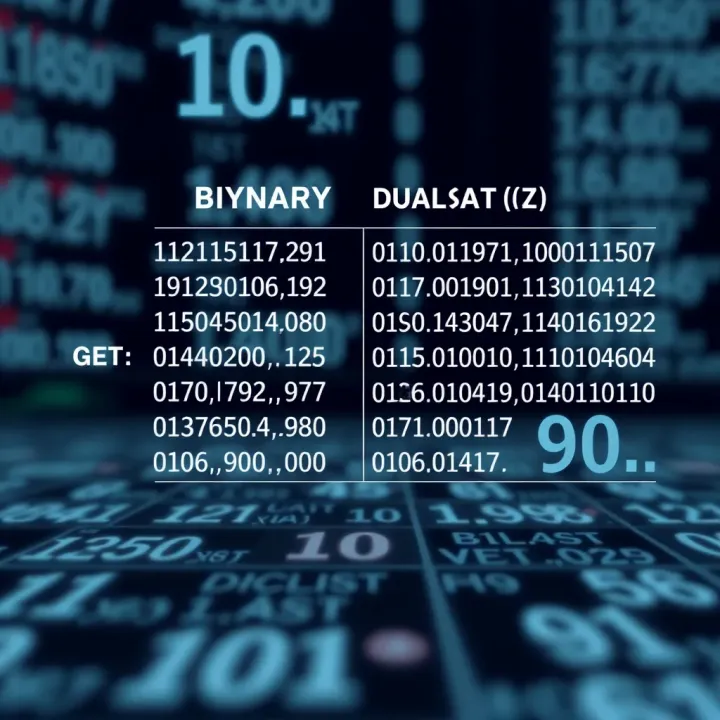
Digital data such as text, images, audio, and video are all represented as sequences of 0s and 1s in the binary system. Take the example of the letter ‘A’ in computers: it is converted to its ASCII code, 65 in decimal, which becomes 01000001 in binary. Each 0 or 1 is a bit, the smallest unit of data, and a group of eight bits is called a byte. Digital devices read these bits and interpret them back into meaningful content. This method ensures data integrity during transmission and storage, as it is easier to detect and correct errors in simple binary form.
The beauty of the binary system lies in its straightforwardness, enabling technology to manage enormous data with reliability and speed.
Understanding these basics helps investors and professionals appreciate why binary forms the digital backbone we rely on today. It's not just a theoretical concept but a practical tool driving finance, technology, and communication systems worldwide.
Understanding the history and development of the binary system is key to appreciating how it became central to modern computing and digital technologies. The binary system, which uses just two digits—0 and 1—differs fundamentally from older number systems that relied on larger sets of symbols. This evolution showcases how simplicity in numbering can drive complexity in function, impacting everything from early mathematics to today's computer science.
Traditional number systems like the decimal system use ten digits (0 through 9), while binary limits itself to only two digits. This minimalism might seem restrictive at first glance, but it actually offers several advantages. For example, the decimal system is well-suited to everyday counting because humans have ten fingers, but it is not the best for electronic devices.
Binary's simplicity suits digital circuits where switches are either on or off, represented by 1 or 0. Earlier systems, such as the Roman numerals or the decimal system, require more symbols and complex rules for calculations, making them difficult to implement in machines. To illustrate, consider how a decimal number like 345 converts into binary: it becomes 101011001. This allows computers to perform efficient arithmetic operations using electrical signals.
The idea of the binary system is ancient, with roots tracing back over 2,000 years to Indian mathematicians like Pingala, who described binary concepts in his work on Sanskrit prosody. However, it was Gottfried Wilhelm Leibniz, a German mathematician in the 17th century, who formalised the binary number system as we know it today and showed how it could represent logical operations.
Leibniz’s contributions laid the groundwork for the binary system’s integration into logic and computing. Later, in the 20th century, Claude Shannon demonstrated how Boolean algebra, based on binary principles, could optimise electrical circuits, directly influencing digital computer design.
Today, the binary system powers everything from your smartphone's processor to internet data transmission because it matches the physical realities of digital electronics.
By understanding these historical contributions, investors and analysts can better appreciate how the binary system supports the technologies driving modern economies. It reflects a remarkable journey from simple mathematical ideas to foundational technology that underpins India's booming IT industry and global digital infrastructure.
Decimal aur binary dono number system hain, lekin inka base alag hota hai. Decimal system das digits (0 se 9) use karta hai, jabki binary sirf do digits, 0 aur 1, par adharit hai. Yeh difference samajhna aapke liye zaroori hai agar aap computing, programming, ya digital electronics mein kaam karte hain, kyunki computers binary system mein kaam karte hain jabki humans decimal system se zyada parichit hain.
Decimal number system base-10 hai, jiska matlab hai ki har position ka value 10 ki power hota hai. Sabse right mein jo digit hota hai, uska weight 10⁰ (1) hota hai, uske baad waale digit ka weight 10¹ (10) hota hai, phir 10² (100), aur aise hi aage badhta hai. Is system ko hum rozmarra ke hisaab kitaab mein aksar use karte hain.
Udaharan ke liye, 345 ka matlab hota hai: 3×100 + 4×10 + 5×1 = 300 + 40 + 5. Yeh system human calculation ke liye intuitive hai kyunki humne har din decimal digits ka istemal kiya hai.
Decimal se binary conversion mein, hum decimal number ko 2 se repeatedly divide karte hain aur remainder note karte hain. Yeh remainder humein binary digits deti hain, jo right se left likhni hoti hain. Maan lijiye aapko decimal 13 ko binary mein convert karna hai. Pehle 13 ko 2 se divide karein, remainder 1. Phir 6 (quotient) ko 2 se divide karein, remainder 0. Phir 3 ko divide karein, remainder 1. Fir 1 ko divide karne par remainder 1 aayega. Binary digits uplabdh sequence mein 1101 banenge.
Is prakriya ka practical upyog computers ko decimal data samajhne aur process karne mein hota hai. Software developers ko yeh conversion samajhna padta hai taaki wo algorithms aur digital communication protocols ko efficiently design kar sakein.
Binary se decimal conversion mein, hum binary digits ko unke positional value ke hisaab se multiply karke add karte hain. Har binary digit (bit) apne position ke mutabik 2 ki power se multiplied hota hai.
Jaise binary number 1011 ko decimal mein badalne ke liye: (1×2³) + (0×2²) + (1×2¹) + (1×2⁰) = 8 + 0 + 2 + 1 = 11. Yeh prakriya computing systems mein results ko human-readable decimal form mein tabdil karne ke liye zaroori hai.
Samajhna ki decimal aur binary conversion kaise hota hai, isse aap machines ke behtar sampark mein aayenge, aur kai tarah ke technical issues jaise data storage, addressing, aur error detection mein madad milegi.
Decimal to Binary: Decimal number ko 2 se divide karte jao, remainder likhte jao, jab tak quotient 0 na ho jaaye.
Binary to Decimal: Har binary digit ko us position ka power of 2 se multiply karo aur sabka jod karao.
Yeh dono conversion steps binary system ko samajhne ke liye foundation hain, especially un logon ke liye jo computing ya digital electronics mein naye hain. Practical application mein, aap calculator ya programming languages ka use karke bhi ye conversions kar sakte hain, lekin principle samajhna zaroori hai.
Binary system ne computing aur digital world mein ek farq hi badal diya hai. Computer aur digital devices binary numbers, matlab sirf 0 aur 1, par depend karte hain kyunki yeh unke electronics ke liye sabse natural aur reliable tareeqa hota hai data ko samajhne aur process karne ka.
Computers ki asli language binary hoti hai. Jahan human language mein hum alphabets aur words use karte hain, wahan computer 0 aur 1 ke combinations ko commands samajhta hai. Yeh binary code microprocessors ko instructions deta hai, jaise ki calculation karna ya information ko save karna. Agar aapne kisi mobile app ka source code kabhi dekha ho, to uska basic form bhi machine level pe binary mein convert hota hai taaki device usse samajh sake. Aise bina binary ke humare computers, smartphones ya tablets kaam karna mushkil hota.
Digital electronics mein signals ko represent karna 0 aur 1 ki form mein sabse reliable mana jata hai. Ye signals do voltage levels se bante hain: ek low voltage 0 ke liye aur high voltage 1 ke liye. Is tarah, yeh signals easily transmit ho jate hain bina zyada noise ke, jo ki analog signals mein hota hai. Is wajah se, digital devices jaise ki TV remotes, digital watches, aur microcontrollers binary system pe kaam karte hain. Yeh ensure karta hai ki data accurate rahe, device tez chale, aur kam power use ho.
Jab hum apna data computer mein save karte hain, to sab kuch binary form mein store hota hai. Hard drives, solid-state drives, aur RAM sab binary code ki madad se data ko organise karte hain. Jab kisi image ya video ko dekha jata hai, toh unka original data binary digits mein hota hai jo device ke processor samajhta hai. Yeh processor binary instructions ko follow karta hai jisse calculations aur logic operations perform hote hain. Is method se computers fast aur efficient hote hain, jaise ki complex calculations ko seconds mein karna.
Binary system ki simplicity aur reliability ne hi modern computing aur digital electronics ko possible banaya hai.
In sab wajah se, binary system hi digital technology ka backbone hai. Agar binary system nahi hota, toh wo devices jo hum roz use karte hain, unka functioning mushkil ho jata ya inefficient hota.
Binary system keval do digits, 0 aur 1, par adharit hota hai, jis wajah se kabhi-kabhi complex calculations mein processing slow ho sakti hai. Iska sabse bada limitation yeh hai ki bade numbers ko express karne ke liye jyada bits chahiye, jo memory consumption badhata hai. Jaise ki, agar aapko 255 ko express karna hai, toh binary mein use 8 bits ki zarurat hoti hai (11111111), jabki decimal mein keval 3 digits chahiye. Iske alawa, binary number system ko padna aur samajhna aam aadmi ke liye mushkil hota hai, kyun ki insan zyada tar decimal system mein hi sochta hai.
Dusri baat, hardware mein bhi binary signals ko represent karna aasan hota hai — high voltage ya low voltage (1 ya 0) — lekin jab data complex ho jaata hai, toh binary code jyada lamba ho jata hai, jis se processing speed thodi kam ho sakti hai. Yahi wajah hai ki kuch specialized applications mein binary ke alawa alternatives dekhe jate hain.
Octal (base 8) aur hexadecimal (base 16) number systems ko binary ke alternatives ke roop mein istemal kiya jata hai, khaaskar programming aur digital electronics mein. Inka fayda yeh hai ki yeh binary data ko compact aur aasani se padne layak bana dete hain.
Octal system mein har digit 3 binary bits ko represent karta hai. Udaharan ke liye, binary number 101110 ko octal mein 56 likha jata hai. Iska use purane computing systems mein jyada hota tha.
Hexadecimal system mein har digit 4 binary bits ke barabar hota hai, jise 0-9 aur A-F tak represent kiya jata hai. Jaise, binary 11110000 ko hexadecimal F0 likhte hain. Ye system aaj ke time mein zyadatar programming languages aur debugging tools mein popular hai, kyunki ye lambi binary strings ko chhota aur samajhne mein aasan banata hai.
In number systems ki madad se developers aasani se programming kar pate hain, aur computers ke binary data ko samajhna bhi asaan hota hai. Is tarah, binary system ki seemaon ko samajhna aur anya systems ko apnana technological development ke liye zaroori hai.
🔢 Learn how to multiply binary numbers efficiently using a binary multiplication calculator. Perfect for students and pros in computer science and digital electronics! ⚡💻
Explore how binary representation calculators work, convert decimal to binary effortlessly, and apply them in computing and digital tech. Tips for smooth use included 💻⚙️
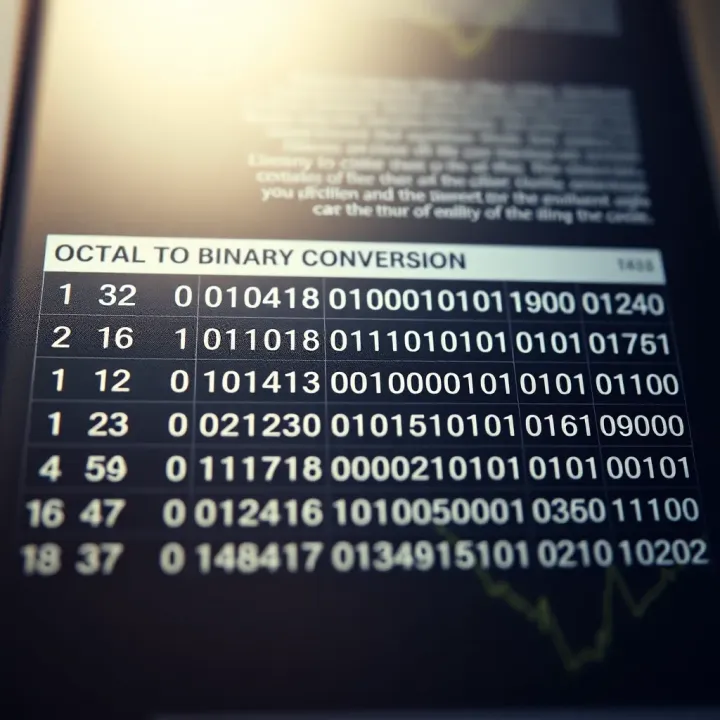
Learn octal to binary conversion step-by-step with an easy reference table 🧮. Perfect for students and engineers working with digital systems 📊.
Decode the binary number system 💻 and learn its components, conversions, arithmetic, and key roles in computing & India's digital payments ecosystem 💰.
Based on 11 reviews