

Best Online Trading Apps in India: A Complete Guide
Explore top online trading apps in India 📱 – features, costs, security, and regulations explained. Choose the best platform for your investing success today!
Edited By
Sophie Mitchell
Choosing the right demo trading app in India is vital for anyone looking to sharpen their trading skills without risking real money. Demo apps simulate live market conditions, allowing users to practice buying and selling stocks, commodities, or currencies using virtual funds. This helps you understand market movements, test strategies, and build confidence before actually investing ₹.
When starting out, it's easy to get overwhelmed by the sheer number of demo trading apps available. Each app offers different features, user interfaces, and levels of market data accuracy. Your choice should depend on your trading goals, experience level, and the type of instruments you want to trade.
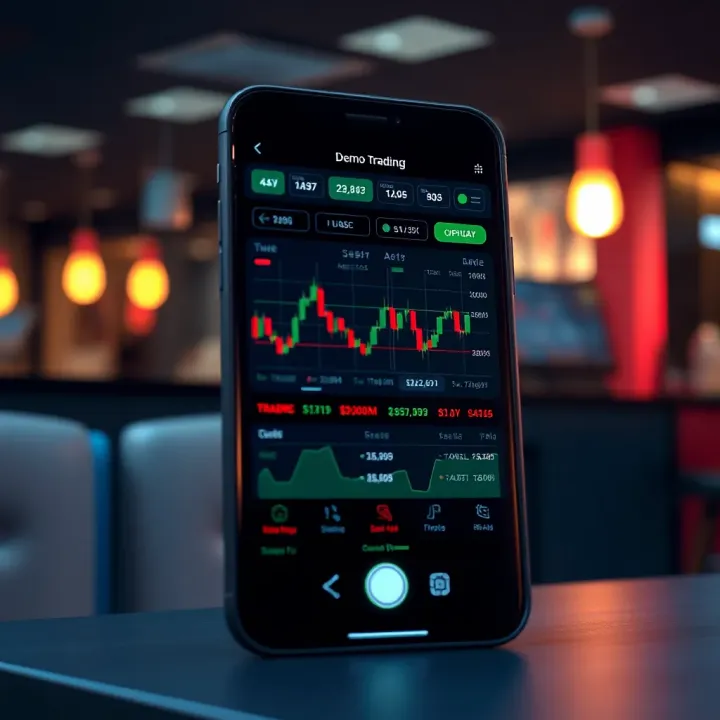
A good demo app serves as a safe space where mistakes do not cost money, but teach valuable lessons.
Risk-free learning: Practice trading with virtual money so you don’t lose real capital.
Strategy testing: Try different trading approaches before applying them live.
Market familiarisation: Get used to the flow, charts, and order types.
Platform navigation: Learn features, tools, and how trades execute on specific apps.
Realistic market data: The closer the demo data to actual market prices, the better your practice.
Ease of use: Simple navigation with clear menus reduces learning hurdles.
Instrument variety: Check if the app offers stocks, commodities, indices, or currencies you’re interested in.
Order types and features: Availability of stop-loss, limit orders, charting tools adds trading depth.
Updates and support: Regular platform updation and reliable customer support are helpful.
Ultimately, the best demo trading app depends on your trading style—whether short-term intraday or long-term investment. For example, if you want to trade NSE stocks with real-time data, apps like Upstox or Zerodha’s Kite demo could serve well. Commodity traders might prefer platforms offering MCX demo features.
Choosing wisely saves time and sets you on a practical path to actual trading success.
Demo trading apps serve as virtual platforms where users can practice trading without risking actual money. They simulate real market conditions, offering a close-to-life experience for beginners and seasoned traders alike. Understanding these apps helps you gauge their relevance before diving into live trading.
A demo trading app is software that mimics live trading environments using simulated funds. It connects to live market data to show real-time price movements but lets you place trades with virtual money. For example, Zerodha Kite offers a demo feature where you can buy and sell stocks without using your real funds. This allows practising strategies and understanding market dynamics without financial exposure.
Using a demo account lets you gain hands-on trading experience safely. You can test investment ideas and different order types like limit orders or stop-loss orders without worrying about losses. Traders often practise economic event impacts using these accounts — for instance, observing how a Reserve Bank of India (RBI) rate change affects stock prices. Besides, demo accounts help build confidence, improve decision-making, and familiarise with trading platform interfaces.
The main difference between demo and live trading lies in the psychological factor. Even if your strategy works well in a demo, real money trading adds emotions such as fear and greed, which affect choices. Market impact is usually absent in demo mode—small volume trades won’t influence price, unlike live markets where large orders can. Plus, certain live features like order execution delays or slippage may not be accurately replicated in demos.
Practising with a demo trading app gives you a safe playground, but live trading tests your nerves and discipline.
Understanding these nuances prepares traders to transition smoothly from paper trading to real investments, making demo apps invaluable training tools in India’s growing retail trading landscape.
Selecting the right demo trading app hinges on a few vital features that directly affect your learning and practice experience. These features not only replicate live trading conditions closely but also support skill development without risking real money. Understanding what to check can save you from frustration and help build confidence for actual trading.
A clean, intuitive interface is essential in a demo trading app. If the app feels clunky or confusing, beginners may struggle to place trades or interpret data, while experienced traders lose valuable time. For instance, Zerodha Kite’s demo version is known for its streamlined layout, allowing quick order placements and seamless navigation. The app should let you easily switch between charts, order types, and watchlists. Look for clear labelling, accessible menus, and minimal lag when interacting with controls.
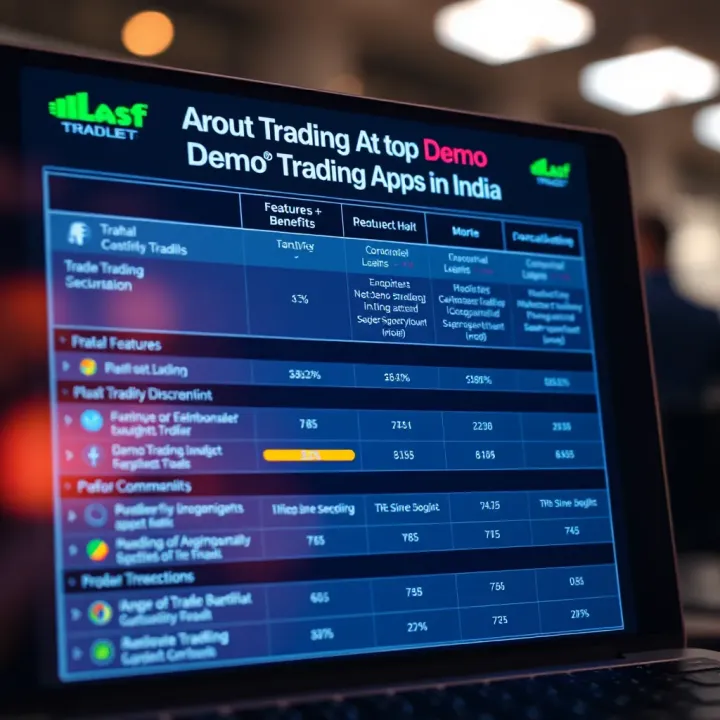
Accurate, up-to-date market data is the backbone of effective demo trading. Apps must provide real-time quotes and live charts, ideally with customization options like candlestick patterns, volume indicators, and moving averages. Without this, your practice might be based on outdated or delayed data, which won’t prepare you for live markets. Upstox Pro’s demo app, for example, offers extensive charting tools that mimic live conditions, helping traders test strategies under realistic market movements.
A wide selection of trading instruments—stocks, commodities, currencies, derivatives—allows users to explore various markets and trading styles. Demo apps limited to only a few asset classes restrict learning potential. Angel Broking’s demo includes equities, futures, and options, supporting traders interested in diversified portfolios. Also, check whether the app includes Indian market-specific instruments to align your practice with what you will trade live.
Demos that integrate tutorials, webinars, or in-app guides boost the learning curve. Features like trade simulators, quiz modules, and strategy backtesting help traders build knowledge while practising. Sharekhan TradeTiger, for instance, provides embedded educational videos and market news, allowing users to learn alongside trading practice.
App responsiveness and uptime directly impact your ability to respond to market changes and execute trades swiftly. Slow platforms or frequent downtime during demo sessions defeat the purpose of realistic practice. This is where Demo apps by 5Paisa perform decently, offering stable connections and fast trade handling even during high volatility.
Choosing a demo app that balances ease of use with robust market features will make your transition to live trading smoother and boost your confidence.
Assess these features carefully, and remember that the best demo trading app is one that matches your trading style, goals, and learning preferences.
Choosing the right demo trading app means understanding the features that different platforms offer. Reviewing popular demo apps in India helps traders spot tools matching their trading style and goals. Demo apps act as practice grounds, so it’s wise to go for those that replicate live conditions closely, provide relevant market data, and offer a smooth user experience.
Not all demo apps are created equal; some provide more instrument choices or real-time data, while others shine in educational content or speed. Picking the right one improves your practice and builds confidence before risking real money.
Zerodha Kite’s demo app is notable for its simple interface and reliable real-time data. It mirrors the live trading environment closely, which benefits beginners and seasoned traders alike. The app allows access to stocks, commodities, and currencies, all under the same roof, providing a comprehensive trading experience. For example, a trader practising intraday equity trades will find the pricing and orders execution similar to live markets, making the transition smoother.
Upstox Pro’s demo platform stands out due to its advanced charting tools and vast instrument catalogue including equities, F&O (futures and options), and intraday stocks. The app’s advanced settings let traders test different strategies, particularly useful for those interested in technical analysis. Its integration with mobile devices makes it easy to practise on the move, matching the dynamic pace of Indian markets.
Angel Broking’s app demo impresses with its personalised dashboard and AI-led insights. Demonstrations on market indicators and trade suggestions help new traders grasp market trends rapidly. The app also provides extensive educational material, helping users understand market terminologies and trading tactics, making it especially suited for freshers exploring the stock market.
TradeTiger is well-known for desktop users who prefer a robust trading setup. Its demo environment offers advanced charting capabilities and a wide range of tools used by professional traders. For those keen on multi-market trading—including NSE, BSE, and currency derivatives—this demo helps build familiarity with complex order types and risk management features.
5Paisa offers a user-friendly demo app that caters well to budget-conscious traders looking for quick setup and easy navigation. It provides access to market watchlists, indices tracking, and limited educational videos. Though slightly simpler compared to competitors, it suits traders wanting basic practice without overwhelming features. It’s ideal for students or casual traders testing the waters.
Reviewing these popular demo apps side by side allows you to pick a platform that best fits your learning curve, technical comfort, and instruments of interest. Try them out individually where possible to understand their nuances and how closely they simulate live trading on Indian markets.
Using a demo trading app effectively is essential for building confidence and sharpening your market skills without risking actual money. These apps let you experiment with strategies, understand market behaviour, and get comfortable with trading platforms. To make the most of your practice, it’s important to approach demo trading with clear goals and a disciplined mindset.
Start by creating a practice account with a demo app that suits your trading goals. For instance, Zerodha Kite or Upstox Pro provides user-friendly onboarding and instant access to virtual funds. Customize your virtual portfolio wisely — allocate funds across different stocks, commodities, or derivatives to reflect the asset classes you want to specialise in. It’s better to simulate a real trading environment by setting realistic fund limits rather than opting for an unlimited balance, which may encourage overtrading.
One big advantage of demo trading is the ability to trade across various market scenarios. Try practising with trending markets, sideways movements, or high volatility phases. Some apps allow backtesting using historical data or even paper trading at different times of the day. Testing your responses in volatile sessions, like during RBI monetary policy announcements or quarterly earnings results, gives you a taste of real trading challenges. This preparation helps you adapt better when you trade live.
Keep a detailed record of your trades, including entry and exit points, stop losses, and reasons for each decision. Many demo platforms offer in-built analytics, but maintaining a trade journal can highlight patterns in your behaviour. If losses are frequent in specific instruments or under certain conditions, it’s a signal to revisit your strategy. Reviewing your setbacks systematically prevents repeating errors and fine-tunes your approach.
Remember, demo trading isn’t just about making gains on virtual money. Its true value lies in identifying mistakes, testing strategies, and improving decision-making in a risk-free setting.
When you feel confident about your simulated outcomes, start transitioning carefully to live trading. Begin with small sums and familiar instruments to manage emotional pressure. Real money triggers different stress and temptation levels — what worked well on demo might not translate exactly. You should consider your demo performance as a guide, not a guarantee. Gradually scale up your investments as comfort and understanding improve over time.
Taking demo trading seriously can save you from costly errors when you go live. Treat it like a rehearsal before a big stage performance — practice the techniques under varying conditions so the actual show goes smoothly.
Wrapping up your search for the best demo trading app in India involves aligning the app's features with your trading goals and ensuring consistent use to build genuine trading skills. This section helps you weigh practical factors to select the right platform and make the most of demo trading.
Every trader has different objectives—some focus on equity, others on commodities or derivatives. Pick a demo app that mirrors your real trading interests. For instance, if you want to trade Nifty futures, the app must offer timely futures data and options to practice those trades. Zerodha Kite demo works well here as it provides easy access to equity and derivatives markets with reliable charting tools.
For beginners aiming to learn basics and test strategies without risk, apps offering educational content alongside trading, like Angel Broking’s app, can be more suitable. Meanwhile, traders keen on technical analysis should consider apps with advanced charting features and multiple indicators.
Consider these factors too:
Instrument availability: Does it cover stocks, currency, commodities as per your needs?
Market data quality: Real-time data is crucial for realistic practice.
User experience: Intuitive navigation helps focus on learning rather than struggling with the app.
A demo account is only as useful as how often and thoughtfully you use it. Treat your practice trades like real ones. Start by setting clear goals—for example, practising intraday swing trades or testing stop-loss strategies. Track each trade’s outcome and review mistakes carefully.
Simulate different market conditions by practising during volatile sessions and flat markets. This prepares you for unpredictable realities of live markets. Maintain a trading journal within the app or separately to note your decisions and improvements.
Gradually, increase complexity—try margin trading or options strategies if supported. When you feel consistent in profits and disciplined in losses, slowly transition to live trading with small capital.
Consistent demo trading sharpens your decision-making without financial risk and builds a solid groundwork for confident live trading.
By thoughtfully selecting the demo app that fits your goals and practising regularly, you bridge the gap from novice to skilled trader. Your demo account becomes more than just a playground—it turns into a powerful learning tool, helping you master markets while keeping your hard-earned money safe at the start.
Explore top online trading apps in India 📱 – features, costs, security, and regulations explained. Choose the best platform for your investing success today!
📈 Discover how to pick the best trading app in India! Explore features, security, user experience & regulatory fit to boost your investments wisely.
Discover top trading apps in India 📈 Explore features, security, and user experience to pick the best platform for your investing needs safely.

Explore top opinion trading apps in India 📱 Understand features, benefits, risks & legal tips to pick the best platform for smarter trading decisions🚀
Based on 5 reviews